
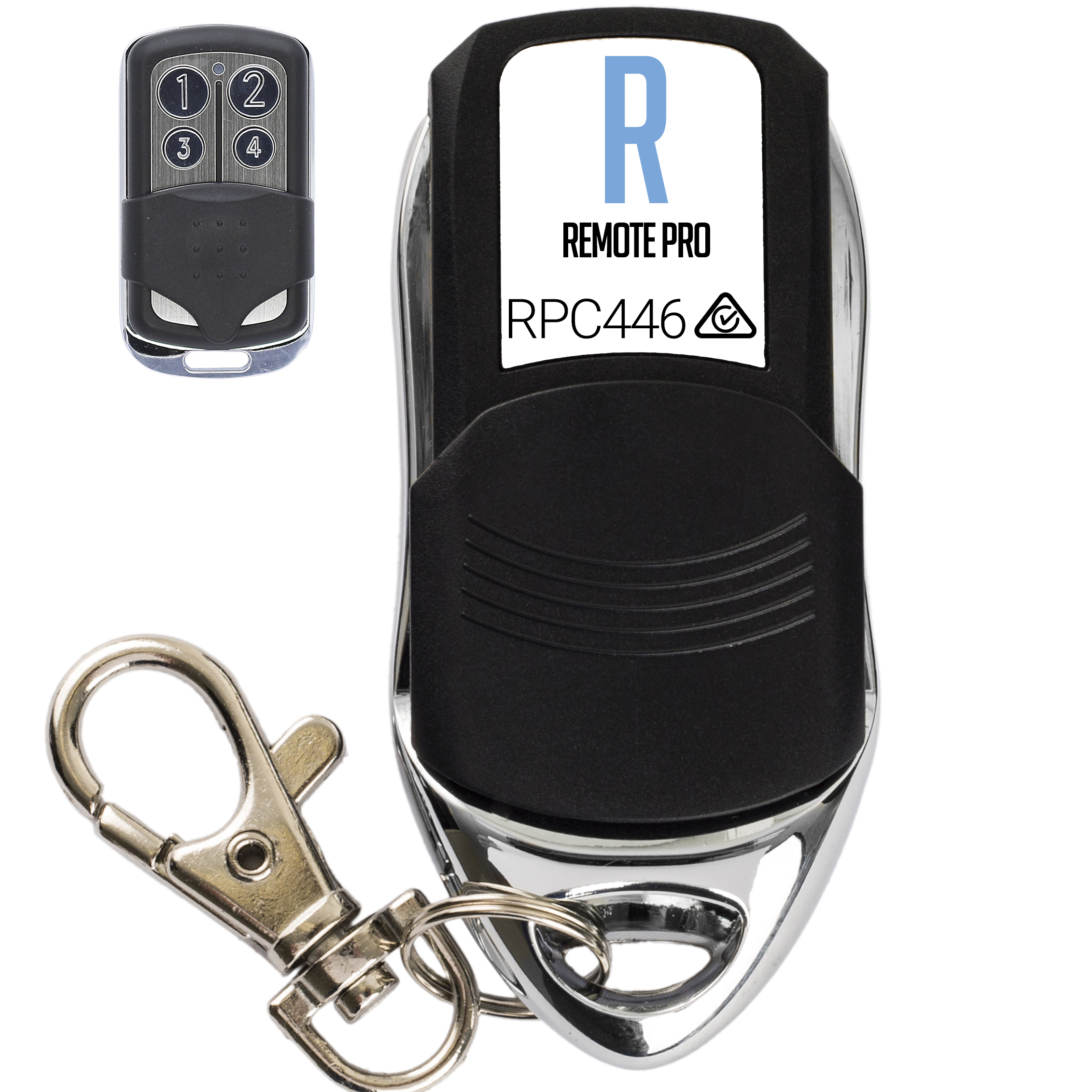
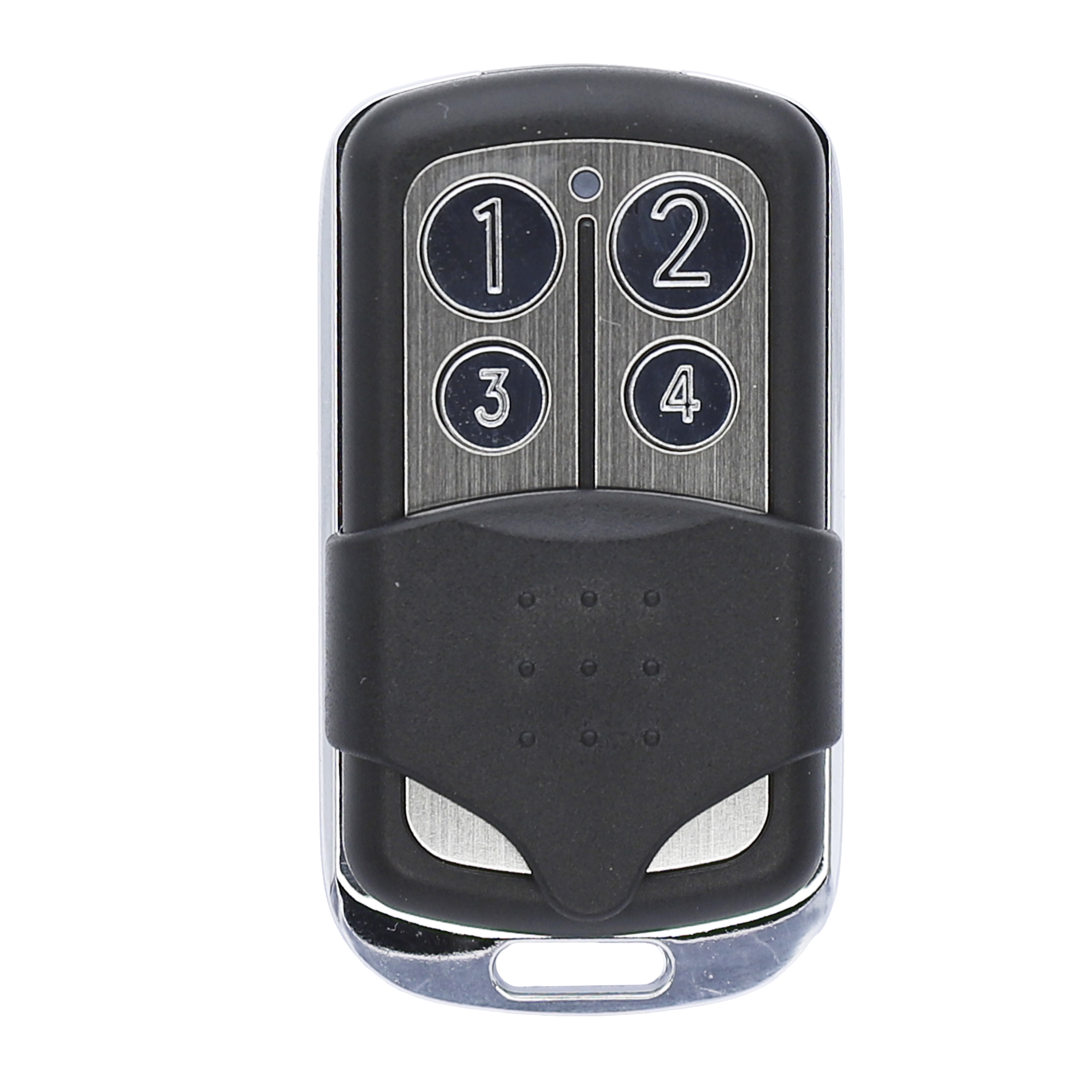
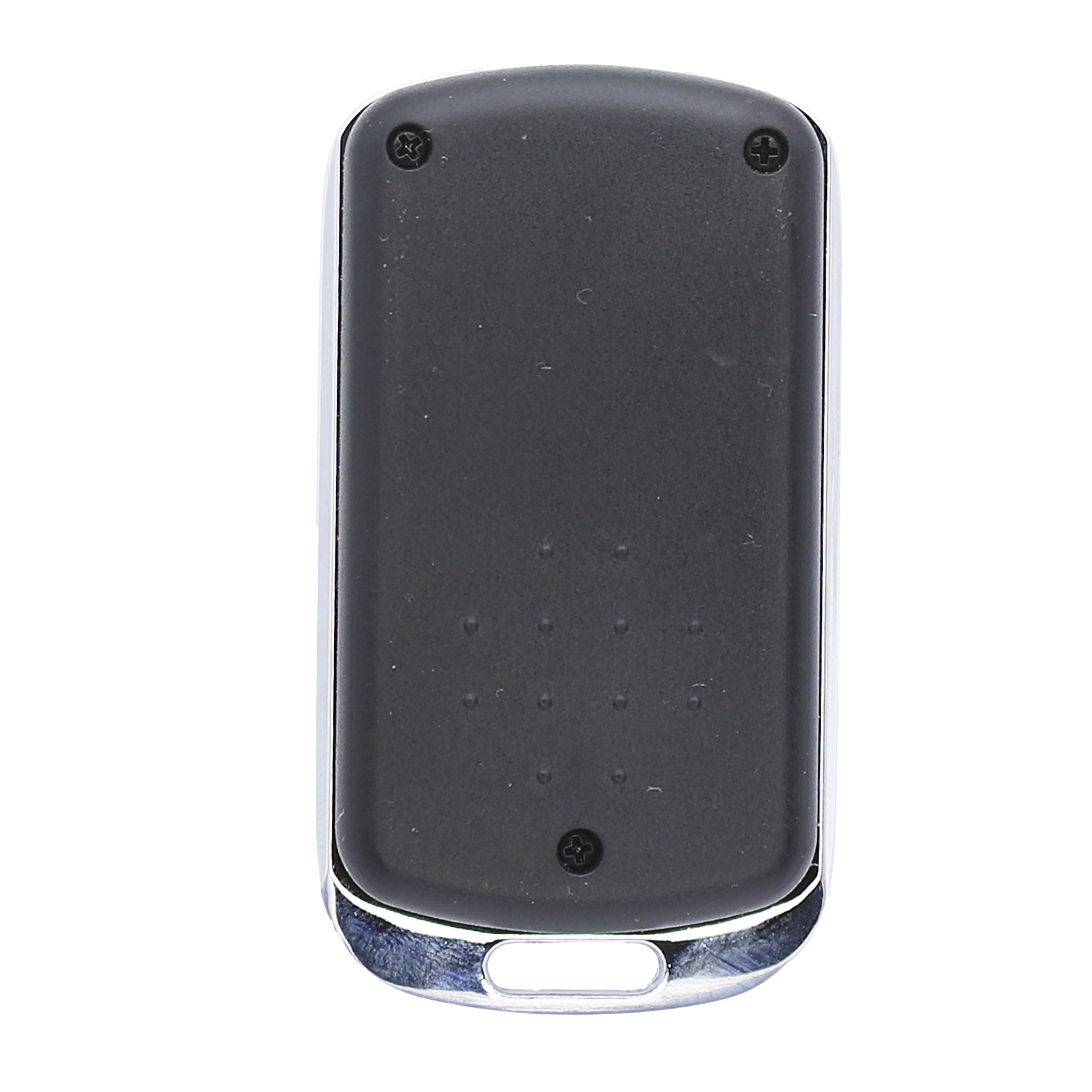
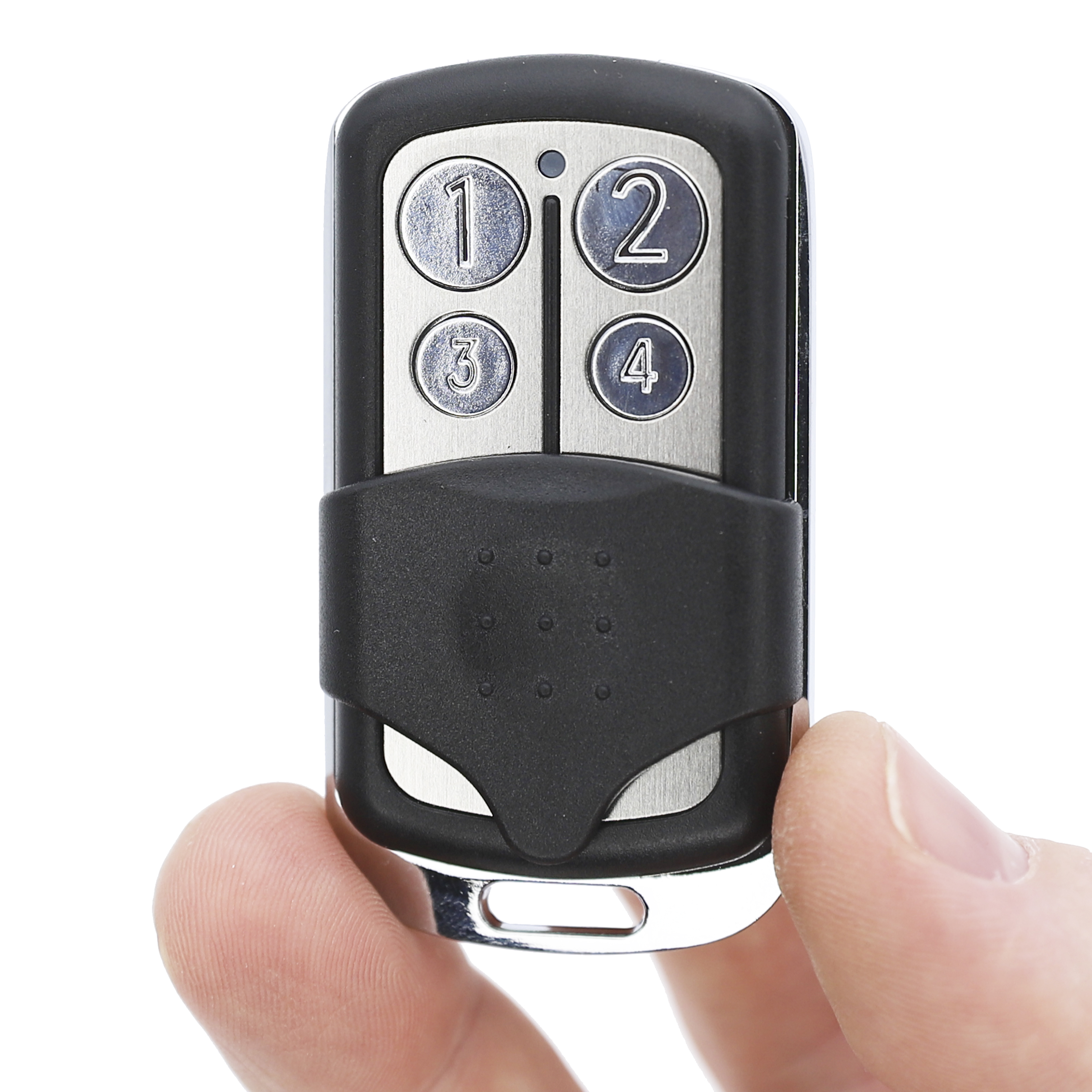
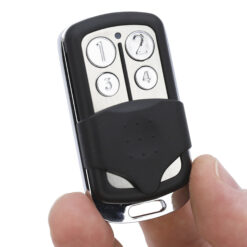
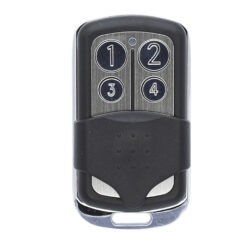



Remote Pro RPC446 Aftermarket Garage Door Remote Specifications
| Remote Dimensions | 5.9 x 3.3 x 1.4 (cm) |
| Remote Weight | 24g |
| Manufacturer | Wholesale Garage |
| Made To Suit | DEA GT2, GT4 |
| Model Number | WGC446, RPC446 |
| Batteries Included | Yes |
| Battery Type | 27A 12V Alkaline Battery |
| Warranty | 1 Year |
Remote Pro RPC446 Aftermarket Garage Door Remote Compatibility
This RPC446 garage door remote replacement is compatible with RemotePro RPC446 systems. If your current remote has RPC446 written on the front, this remote will program and operate exactly the same.
Whilst this remote may look similar to other black sliding cover remotes in the industry, this is not a ‘universal’ garage door remote.
See the full range of Remote Pro Aftermarket Garage Door and Gate Remotes here
RemotePro RPC446 Aftermarket Garage Door Remote Features
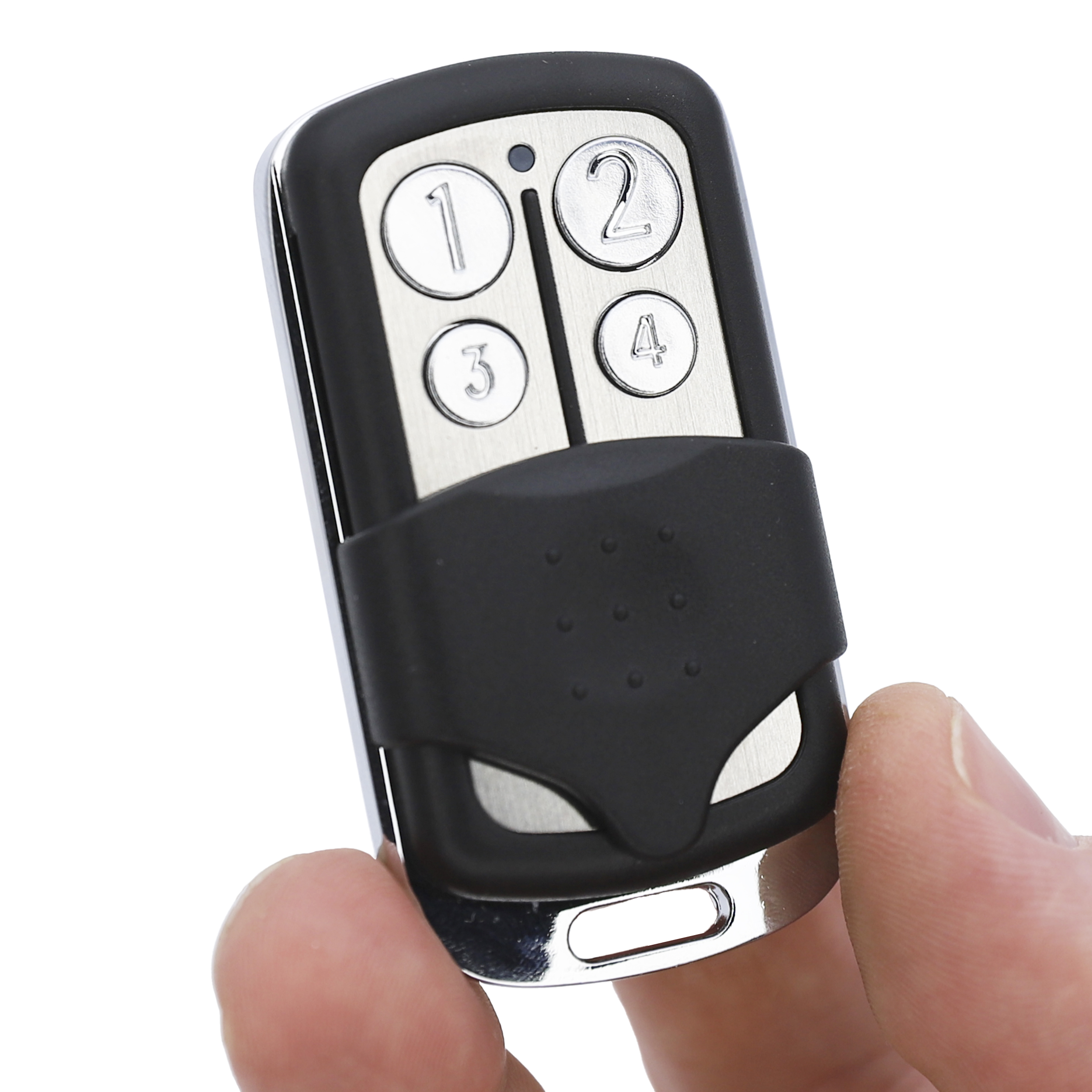
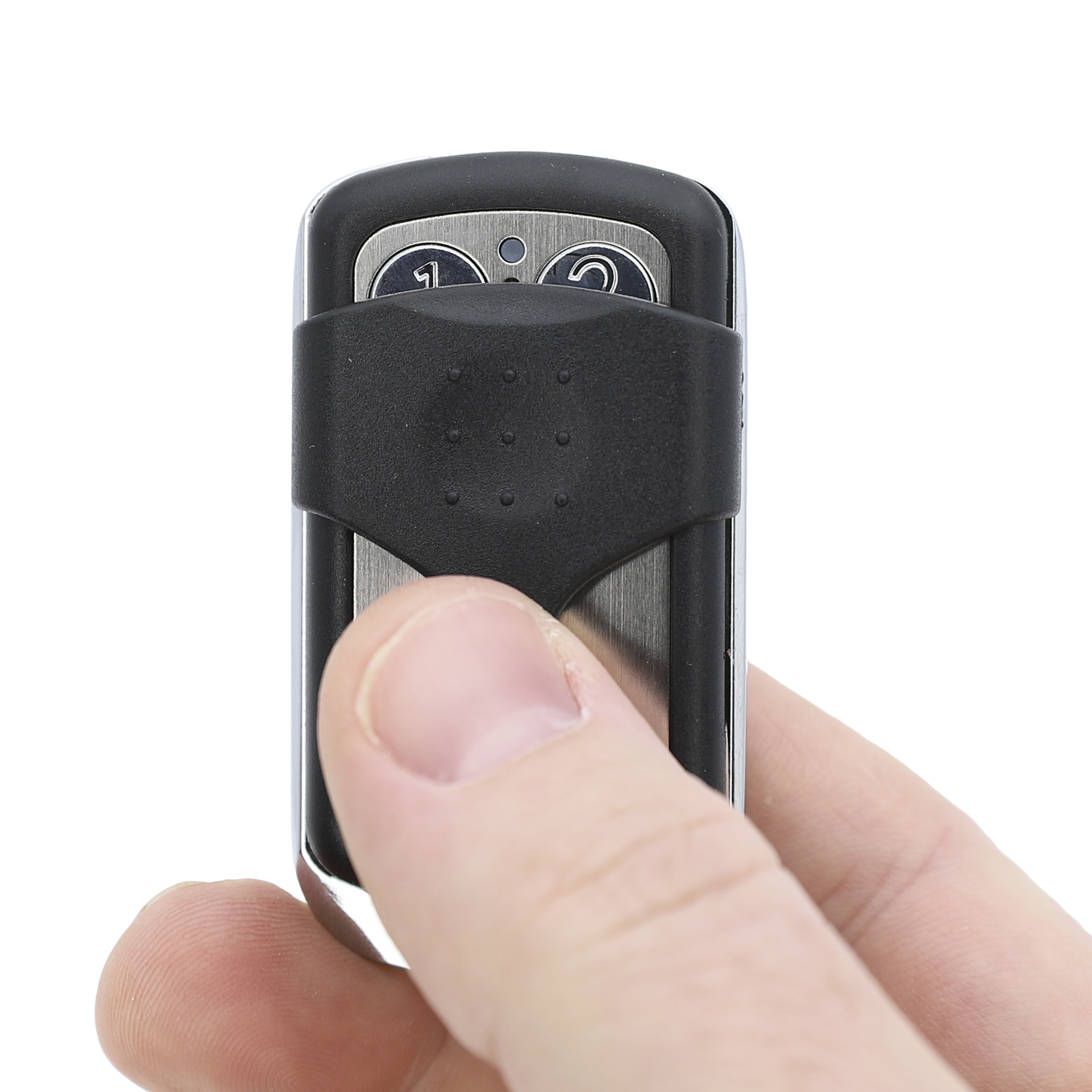
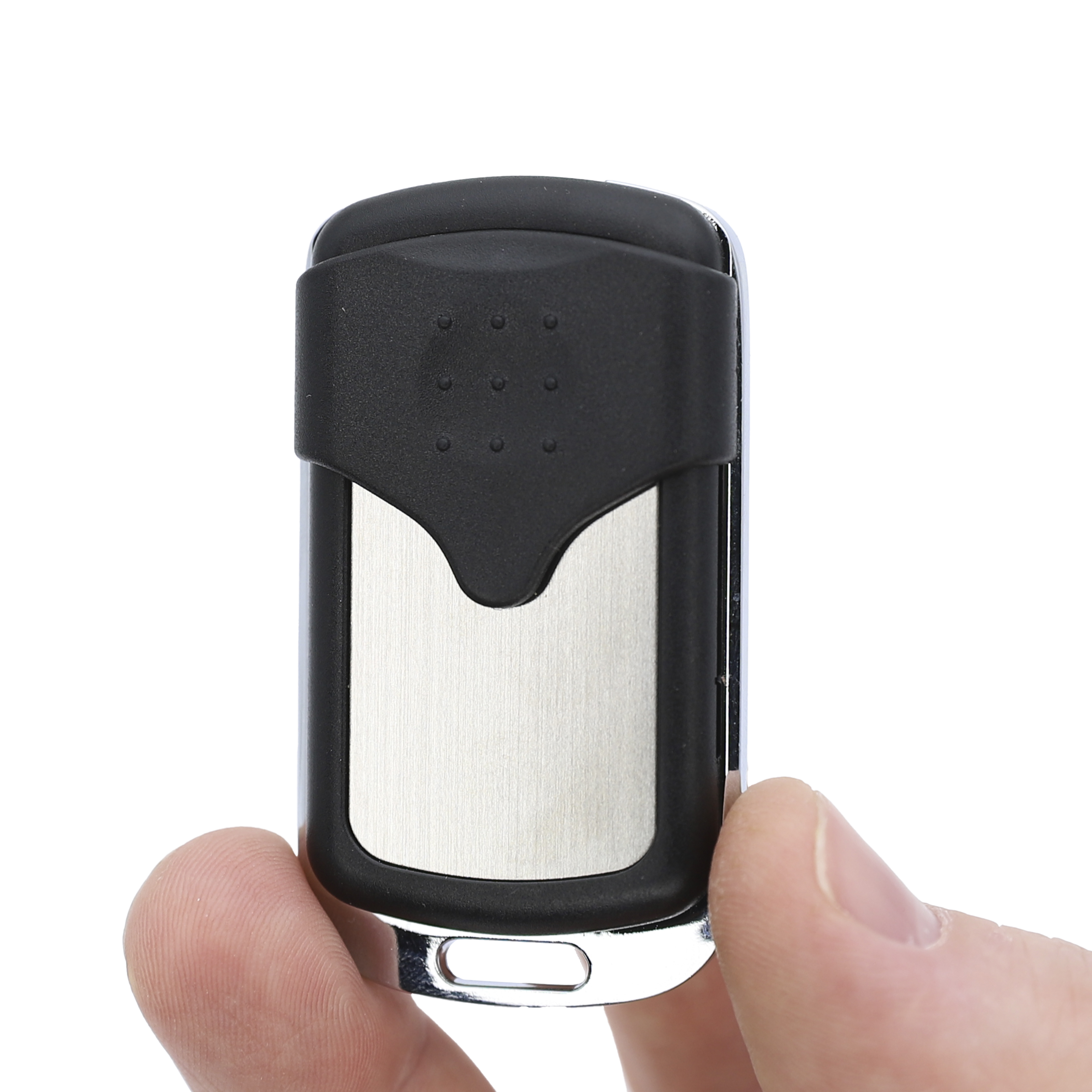
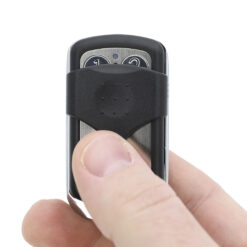
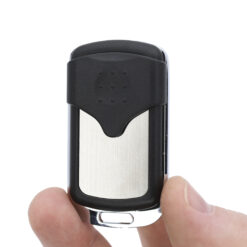
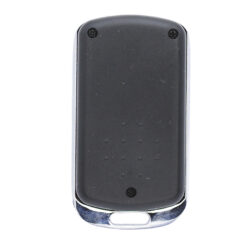
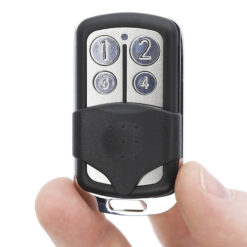
With a black casing complemented by a sturdy metal trim, these remotes are built to last. The sliding cover protects the buttons from dust and accidental presses, helping prolong the lifespan of the remote. Its compact design makes it practical and easy to carry without being bulky or cumbersome. This four-button, 4-channel remote allows you to control multiple garage doors or gate systems from one device, offering the same functionality and reliability you would expect from the RPC446 model. You can replace your old or lost remote without paying extra purely for branding.
RPC446 Programming Instructions
Programming Into a Receiver Without an LCD Screen
- Open the casing of your receiver box, located next to the motor.
- Press and release the programming button on the circuit board (labelled ENR, MEMO, PROG, or RESET, depending on the model).
- The LED light on the receiver will either light up or start blinking.
- Press and hold a button on your new remote for 1 second, then release.
- The LED light will turn off immediately or within 10 seconds, depending on the receiver model.
- Test the remote to confirm successful programming.
Programming Into a Receiver With a Digital Screen
- Open the casing of your receiver box, located next to the motor.
- Use the + or – buttons on the receiver circuit board to scroll until P005 appears on the screen.
- Press OK. The LED will light up.
- Press and hold a button on your new remote for 1 second, then release.
- Wait 10 seconds.
- Test the remote to confirm successful programming.


Reviews
There are no reviews yet.