



Powertech Gate Remote Specifications
| Remote Dimensions | 5.5 x 3 x 1.4 (cm) |
| Remote Weight | 24g |
| Manufacturer | Wholesale Garage |
| Made To Suit | Powertech PR-1, PR-2, PR-3 |
| Model Number | WGC447, RPC447 |
| Batteries Included | Yes |
| Battery Type | 27A 12V Alkaline Battery |
| Warranty | 1 Year |
Powertech Gate Remote Compatibility
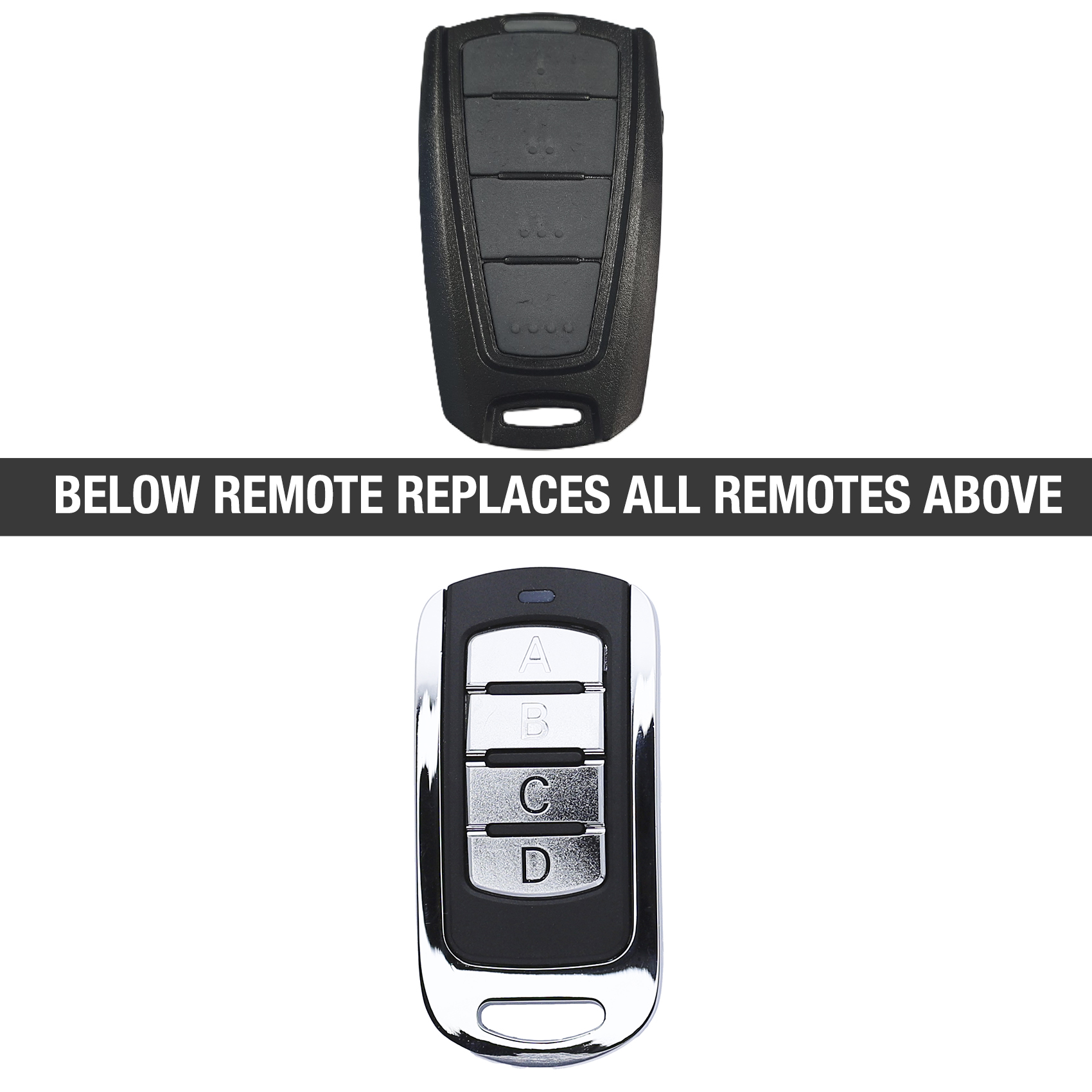
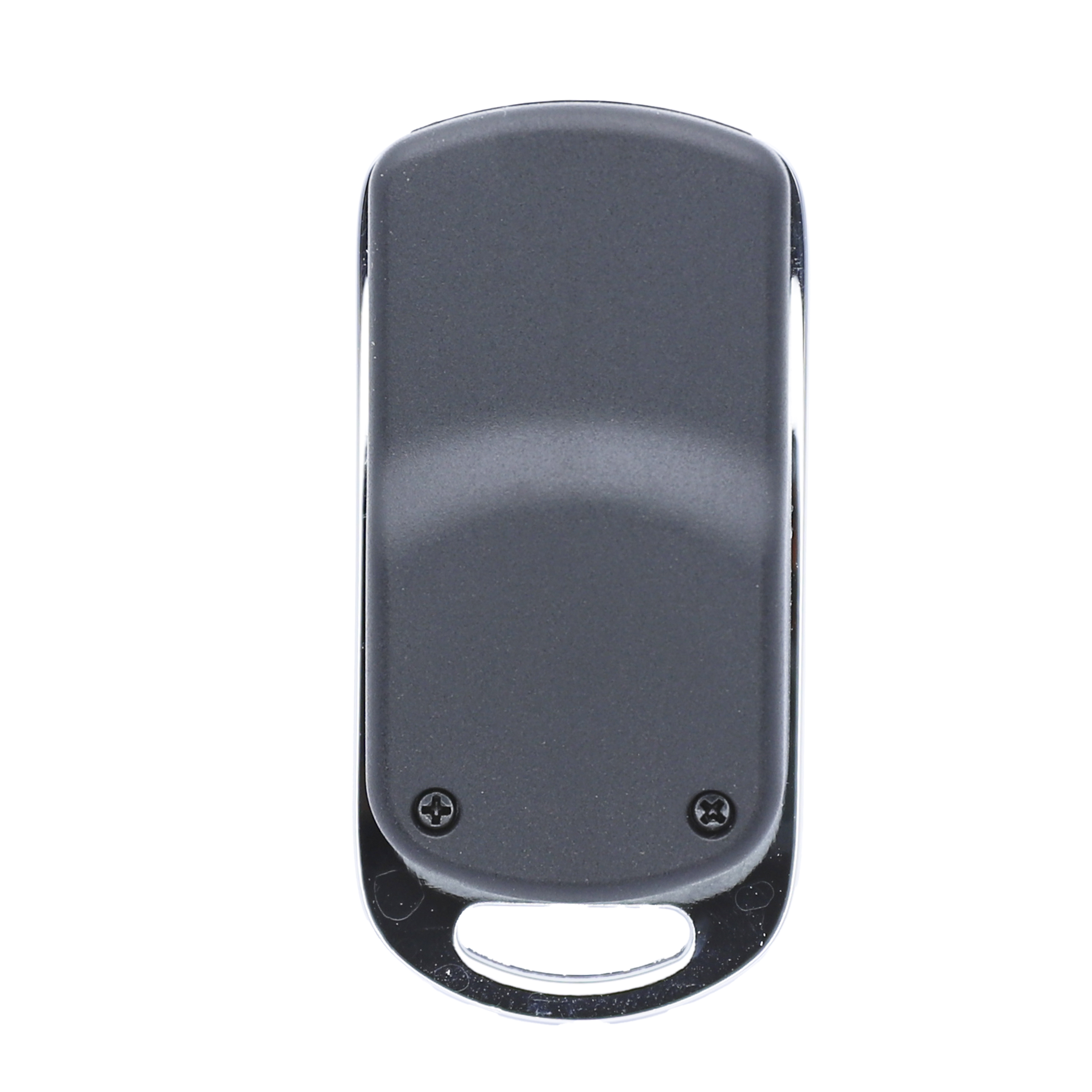
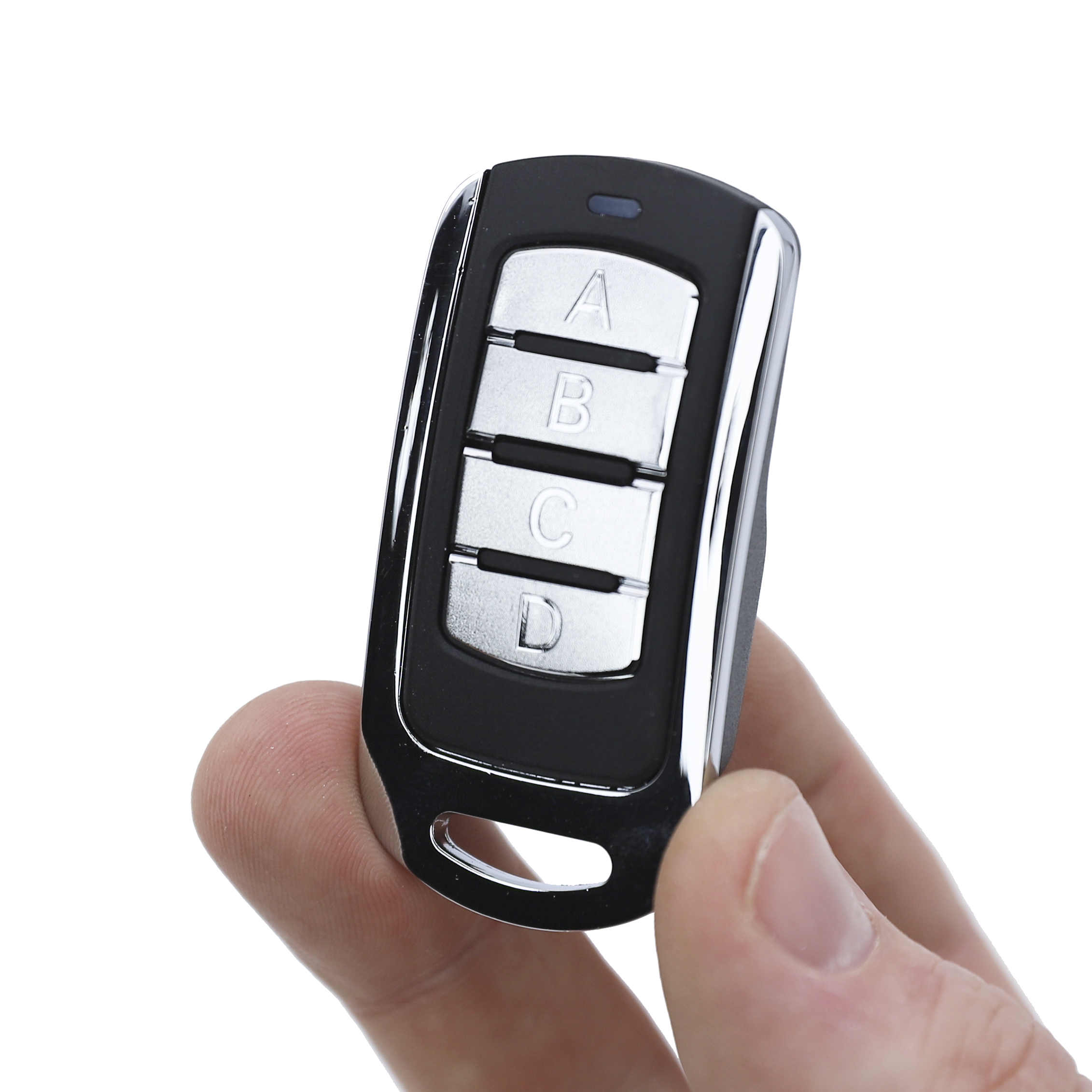
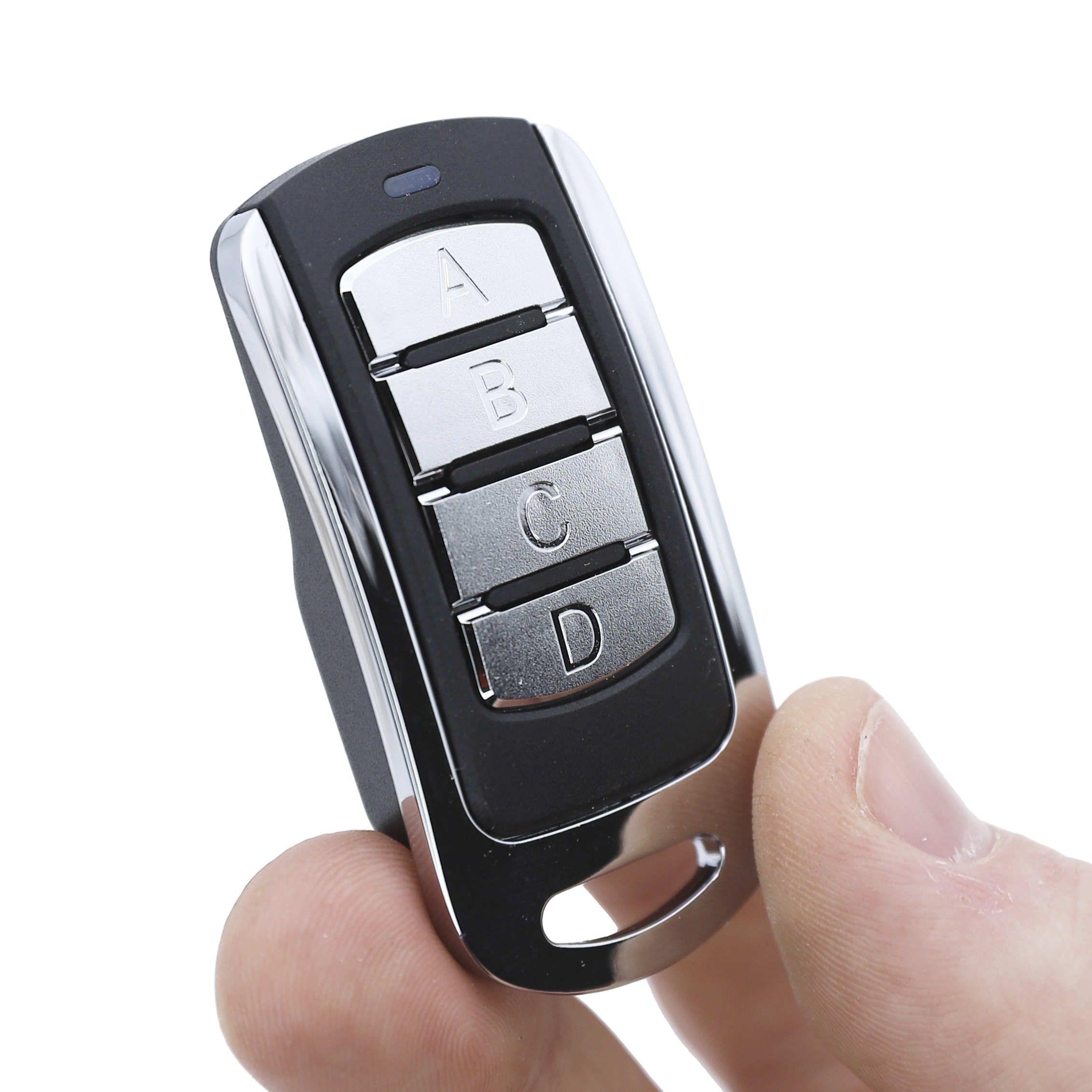
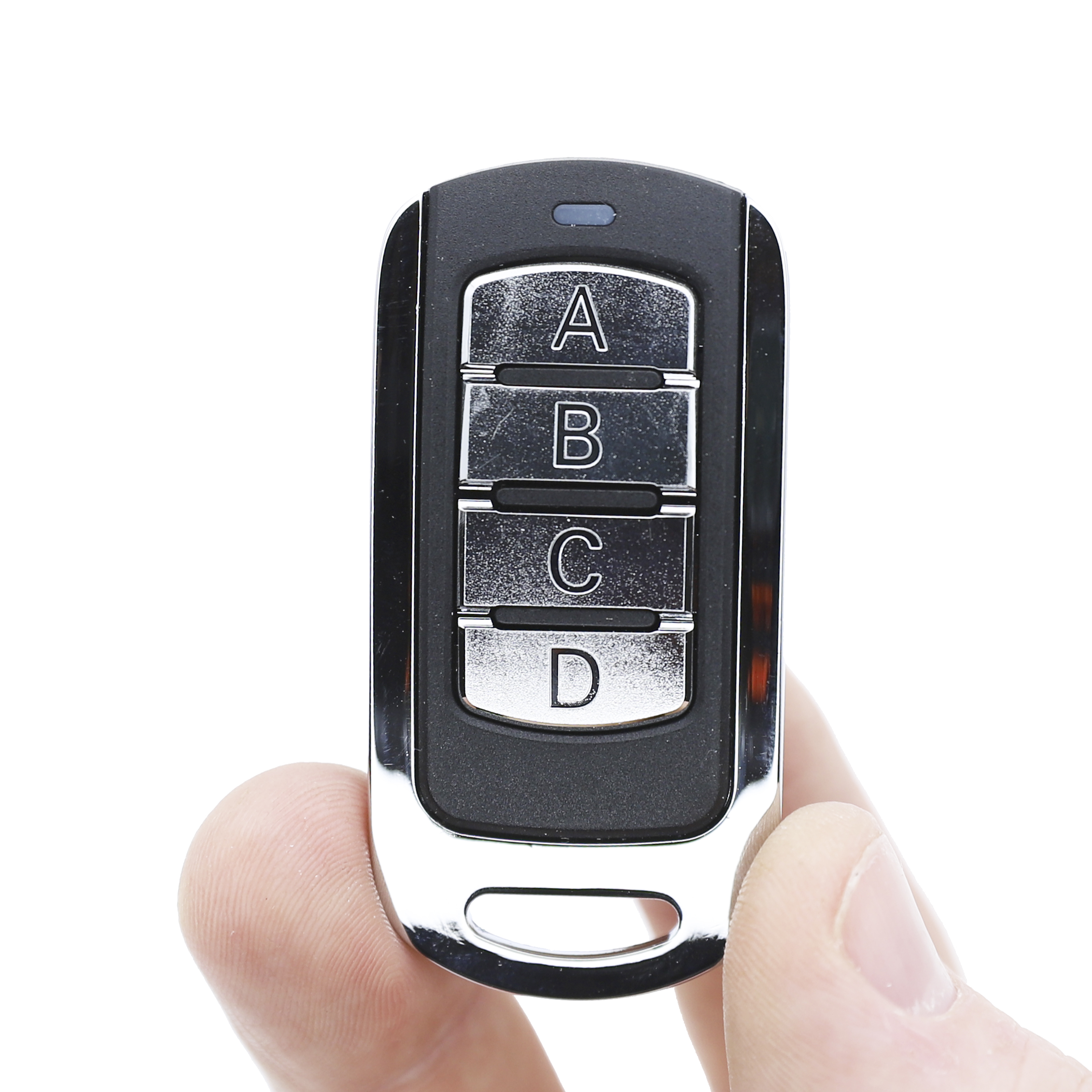
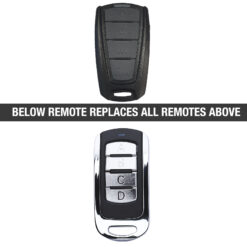
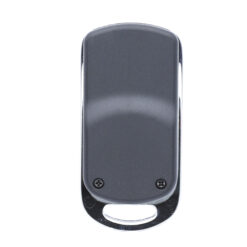
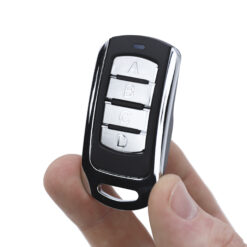
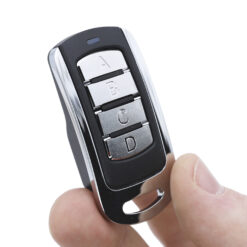
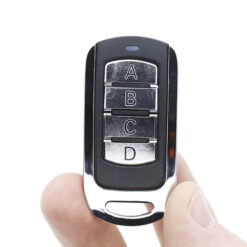
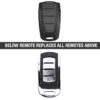
This Powertech aftermarket remote control will suit the remotes pictured in the main image. Please note, if your remote control is not pictured this may not suit. Your remote must have red terminals, it will not replace the white or gold terminal remotes.
Whilst this remote may look similar to other remotes in the industry, this is not a ‘universal’ garage door remote.
- PW150 (Swing Gate Motor)
- PW200 (Swing Gate Motor)
- PW220 (Swing Gate Motor)
- PW230 (Swing Gate Motor)
- PW320 (Swing Gate Motor)
- PW330 (Swing Gate Motor)
- PW320K (Swing Gate Motor)
- PW330K (Swing Gate Motor)
- PL300 (Sliding Gate Motor)
- PL400 (Sliding Gate Motor)
- PL500 (Sliding Gate Motor)
- PL600 (Sliding Gate Motor)
- PL800 (Sliding Gate Motor)
- PL1000 (Sliding Gate Motor)
- PR-1 (Remote)
- PR-2 (Remote)
- PR-4 (Remote)
If you would like confirmation if this would work, please send a photo of your remote control to our team on our contact us page.
Powertech Gate Remote Features
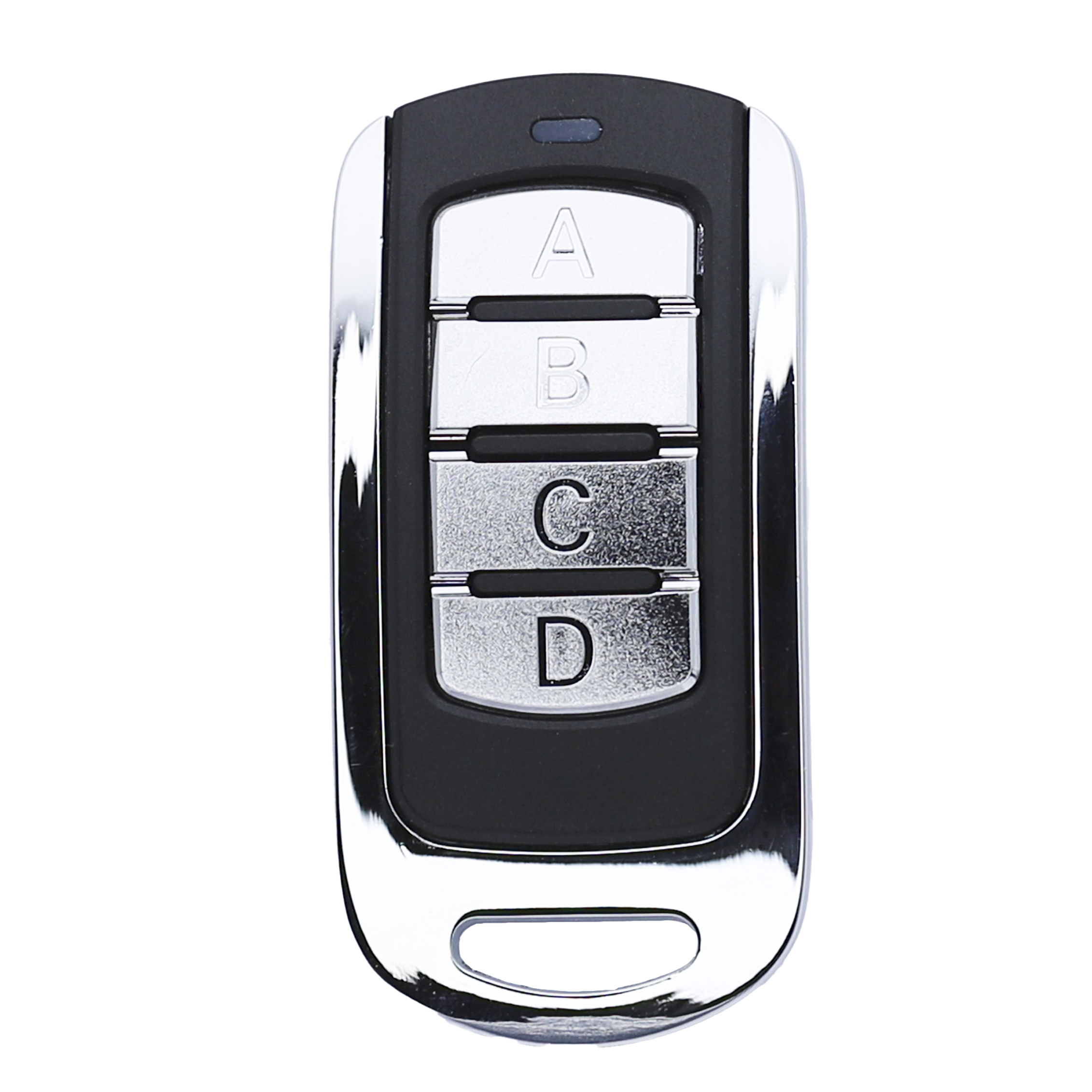
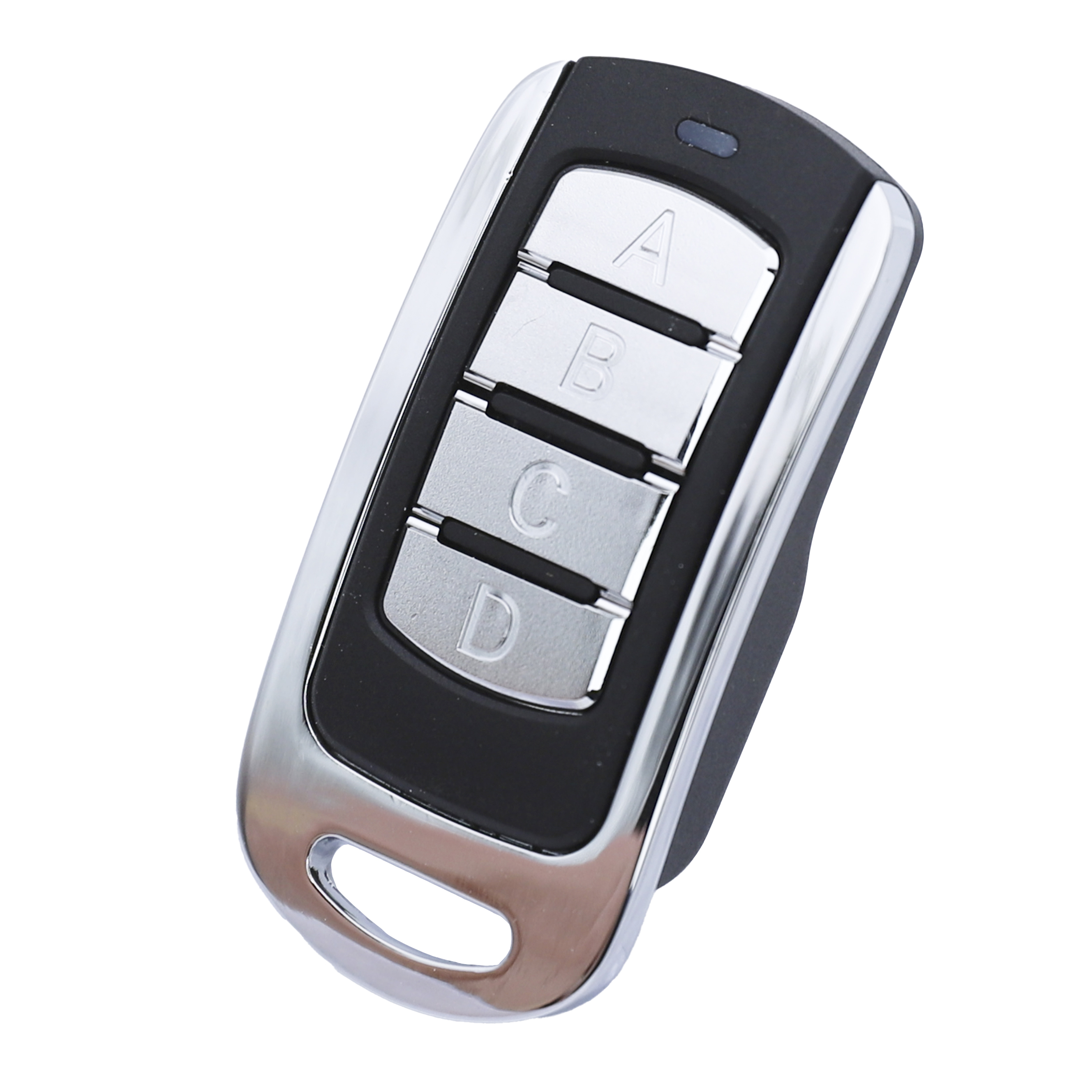
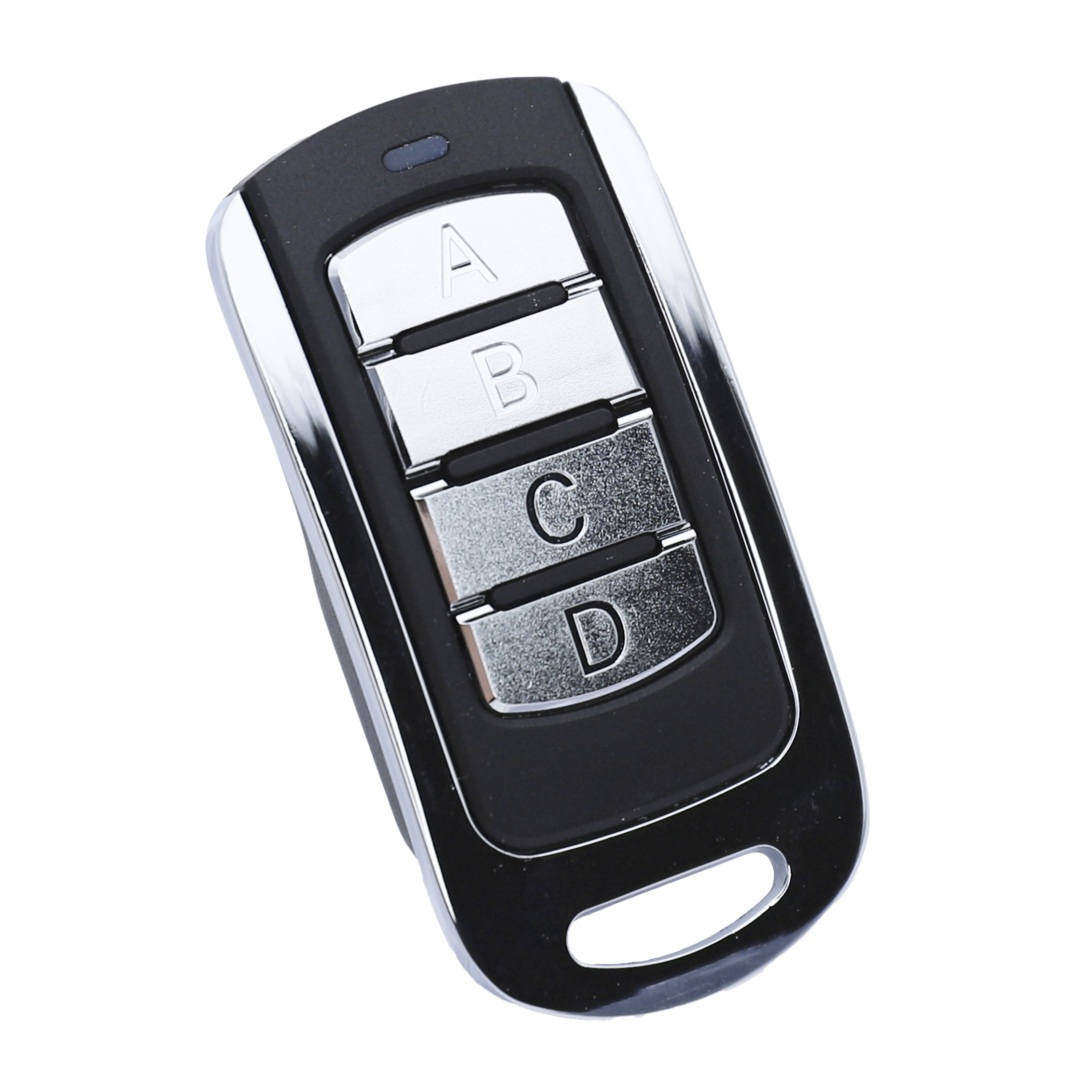
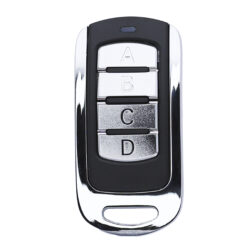
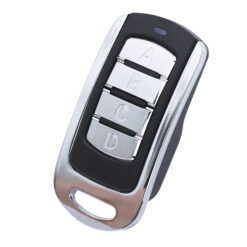
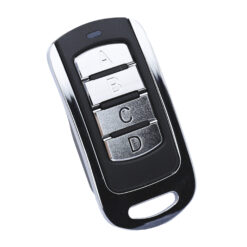
Our grey Powertech aftermarket remote controls are specifically designed to suit Powertech garage door and gate openers. Its compact design makes it handy and easy to carry, so you don’t have to worry about bulky or cumbersome remotes. Moreover, this four-button, 4-channel remote is highly versatile, allowing you to effortlessly control multiple garage doors or gate systems with a single device.
This means you can now easily replace your old or lost remotes without breaking the bank. The four-button configuration empowers users to perform various functions or control multiple devices with ease. Additionally, the setup and programming process is extremely user-friendly, making it perfect for both tech-savvy individuals and those who might not be as comfortable with technology. Enhance your garage door experience with this sleek, robust, and multi-functional aftermarket remote control.
Powertech Gate Programming Instructions
PROGRAMMING A REMOTE
- Press and hold the S3 button on the PCB for 1 second. The blue LED light on the RF board will illuminate.
2. Within 5 seconds, press:
• Button A for dual-gate installations
• Button B for single-gate installations - The remote has been successfully programmed once the LED light turns off.
DELETING ALL REMOTE MEMORY
- Press and hold the S3 button on the PCB for 3 seconds.
- Release the button once the LED indicator changes or turns off. All stored remotes will now be erased.


Reviews
There are no reviews yet.