



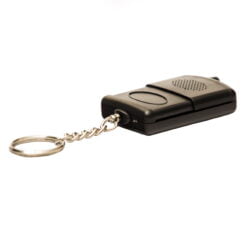
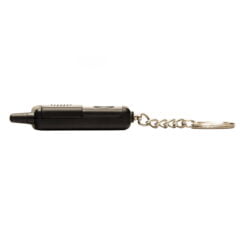
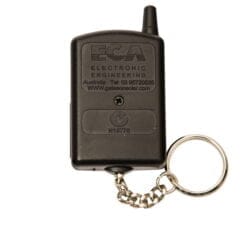



ECA Red Garage Remote
1x Genuine ERA TR-4RS Remote
1x CR2032 Lithium Battery
Click here for instructions
ECA Red Garage Remote Features
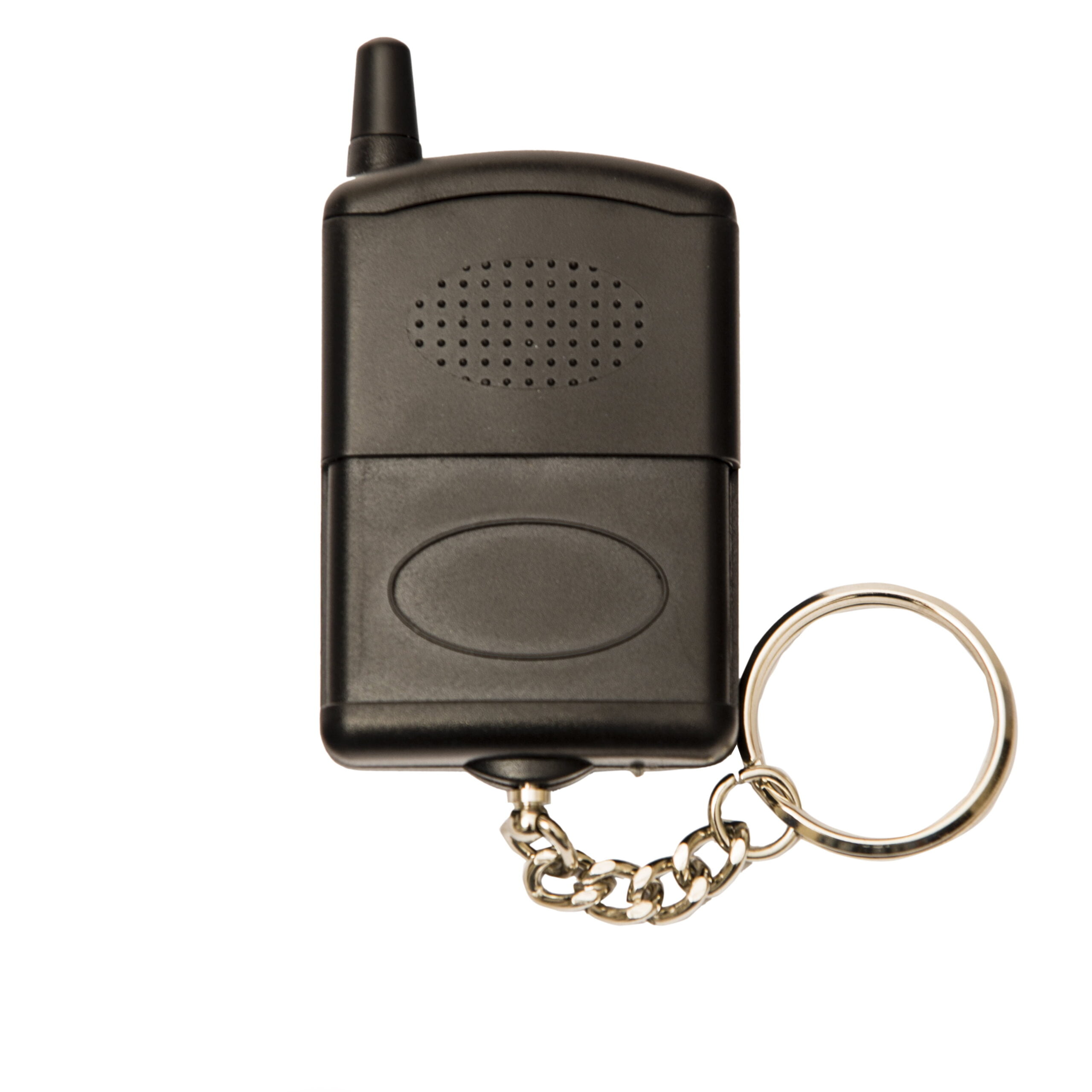
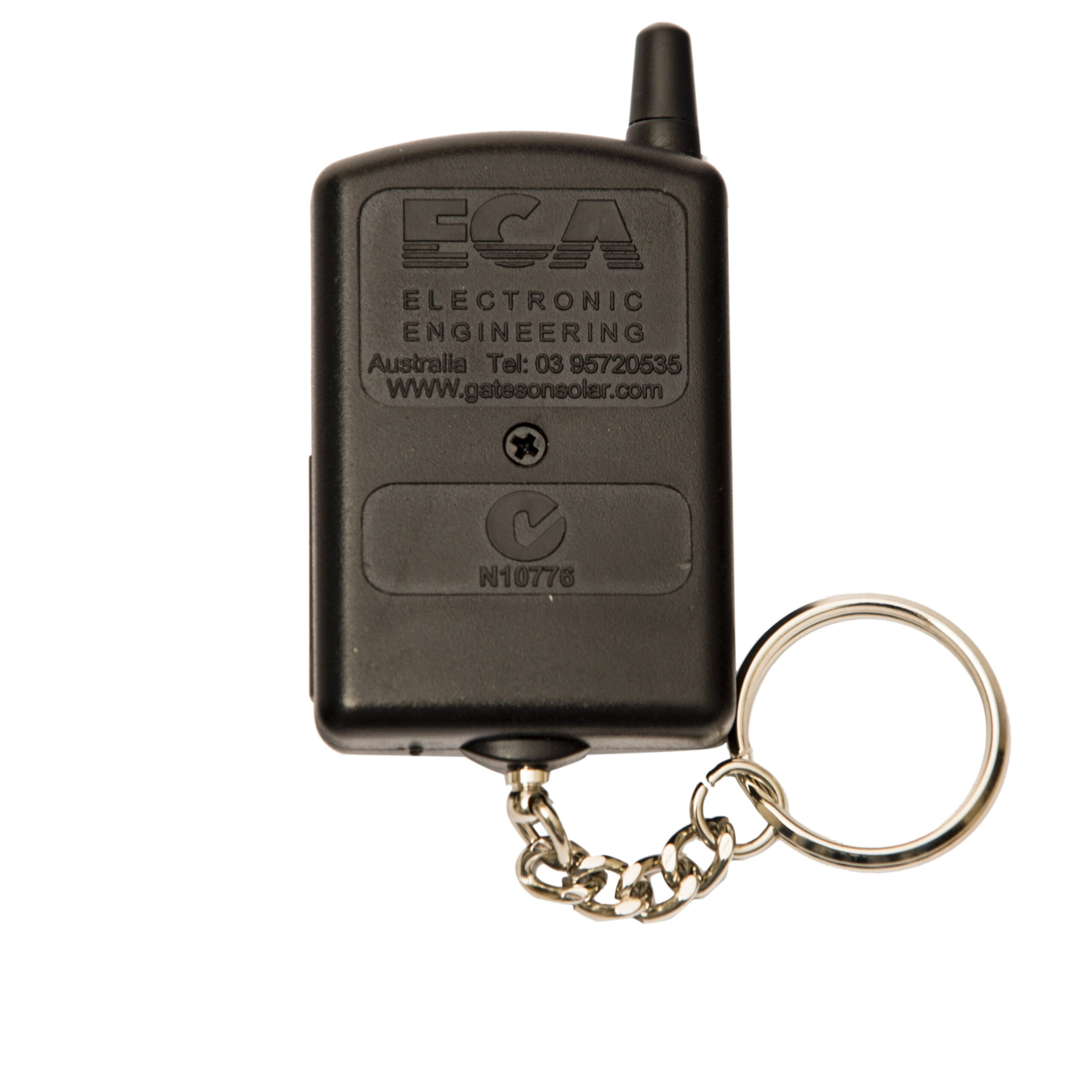
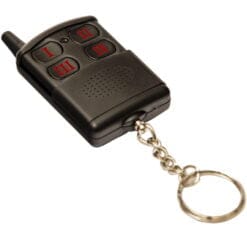
The ECA TR-4RS remote control has four buttons, which will allow you to code this remote control into four different door or gate openers. The ECA remote controls feature a rolling code encryption, which generates a new code each time the button is pressed from billions of possibilities. The ECA TR-4RS remote control has been in the market for over 15 years as ECA’s remote control of choice for their range of gate openers.
ECA Red Garage Remote Instructions
There are two different ways you can program in your remote control.
Coding in Via a Working Remote Control
1. Take the operational remote control of the unit and stand about 2m from
the receiver.
2. Press and hold both the buttons (III) and (I) for 10 seconds, or untill the program LED turns ON
3. Press and hold the button you wish to program into the receiver
4. The LED light will turn off to indicate that the new button has been learnt by the receiver
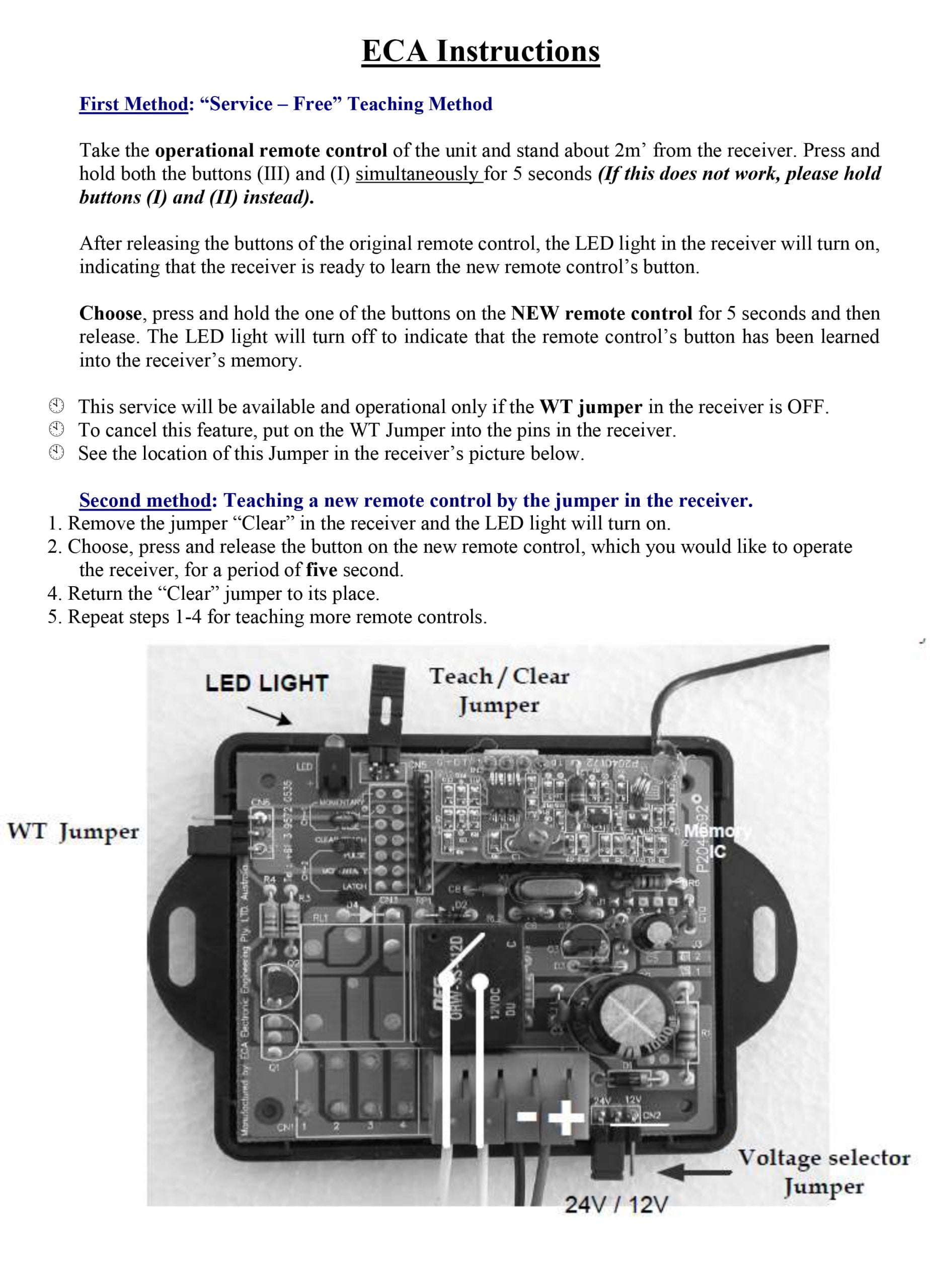
Coding Via The Receiver
1. Remove the jumper “Teach / Clear” in the receiver and the program LED light will turn on.
2. Press and hold the button you wish to program into the receiver until the LED turns off, then let go.
3. Return the “Teach / Clear” jumper to its place.
4. Repeat steps 1- 4 for teaching more remote controls.
ECA Red Garage Remote Compatibility
There is an older series of ECA remote controls that use white numerals, whereas the newer series of ECA remote controls now use the red numeral remote controls. Please note, this listing is for the red numeral ECA remote control which is not compatible with the white numeral remote controls.
For video instructions, please click here. Please note that whilst the remote control may look different, the process remains the same.
ECA Red Garage & Gate Openers
Max / DCP-240
Big Foot 2200
SG-200
SR-5000
XR-900
Ultra
SG-560
SL-400
SL-450
ECA Receivers
81CR
82CR
84RC
ACR-6


Reviews
There are no reviews yet.